
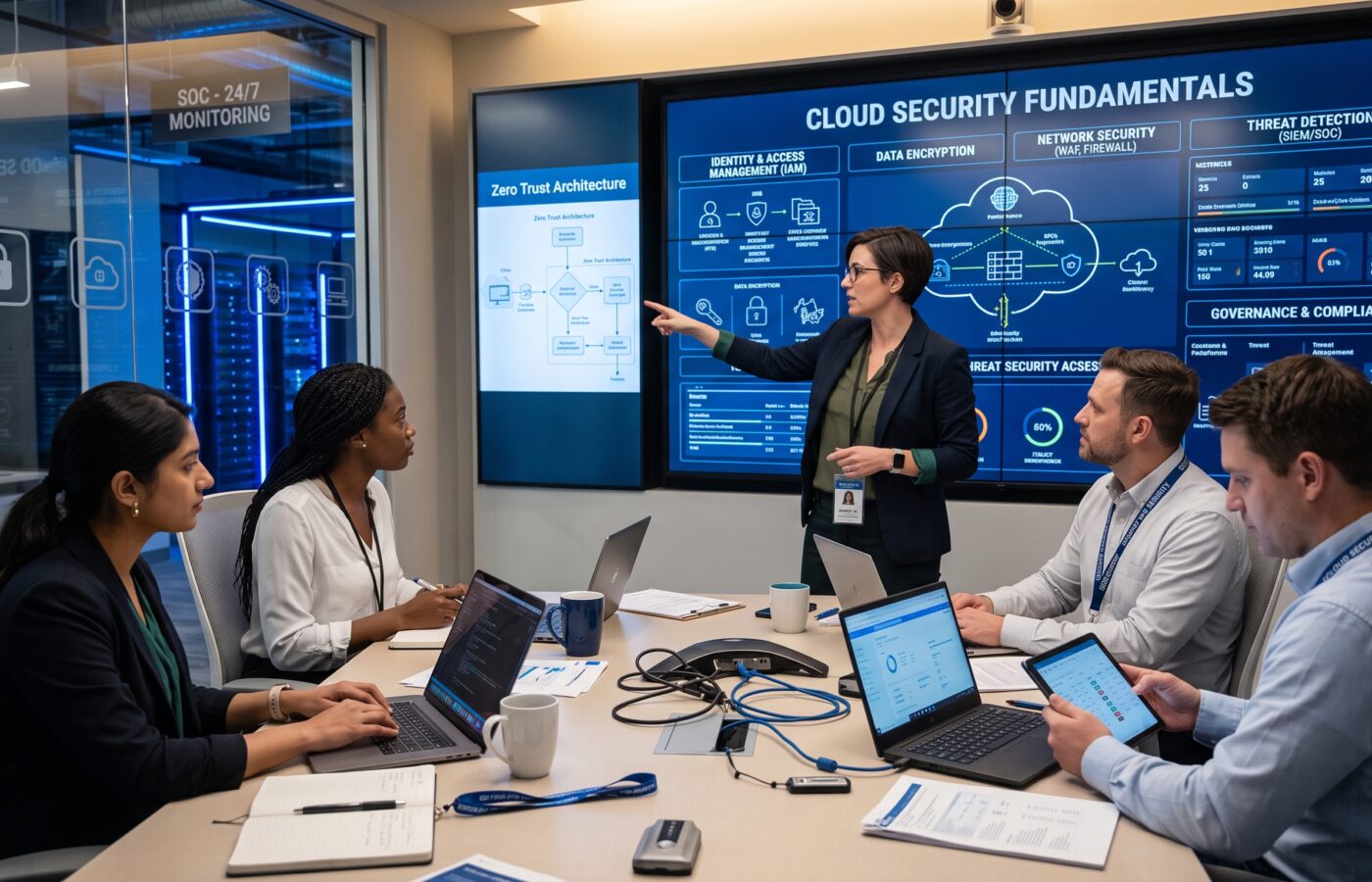
Cloud Security Fundamentals

Cloud security is no longer a specialist concern reserved solely for security teams. Instead, cloud security has become a core requirement when teams design, deploy, and operate modern infrastructure. Businesses today rely heavily on cloud platforms for applications, databases, analytics, backups, communication systems, and customer-facing services. Consequently, when teams misconfigure or weakly govern those environments, a single exposed credential, storage resource, or administrative account can create devastating operational and financial consequences.
However, moving to the cloud does not remove security responsibilities; rather, it changes how organizations manage those responsibilities. Cloud providers protect the underlying facilities and platform infrastructure, while customers retain responsibility for critical decisions involving identities, data, applications, configurations, and workloads. The industry commonly calls this division the shared responsibility model. Because the exact boundary differs between infrastructure, platform, and software services, engineering teams must clearly understand what their provider manages and what they must secure themselves.
As a cloud architect, I view cloud security as an architectural discipline rather than a collection of disconnected tools. Indeed, strong protection begins with clear ownership, sensible design, controlled access, continuous monitoring, and regular testing. Therefore, the following fundamentals provide a practical, structured starting point for organizations building secure cloud environments.
Understanding the Shared Responsibility Model
The shared responsibility model serves as the fundamental pillar of cloud security. Specifically, it defines which security controls belong to the cloud service provider and which remain with the customer.
Generally, a provider protects physical data centers, hardware, networking equipment, the virtualization layer, and core platform services. On the other hand, the customer usually assumes responsibility for protecting data, user access, application code, operating system configurations, security groups, encryption settings, and workload-specific controls. As a result, a customer’s responsibilities often expand when using infrastructure services (IaaS) and shrink as the team adopts fully managed services (PaaS or SaaS).
For example, when using an infrastructure service, a customer must patch operating systems, configure network firewalls, protect administrative accounts, and secure applications. Conversely, with a managed database, the provider handles platform maintenance, yet the customer still manages identities, permissions, network exposure, sensitive records, and configuration choices.
Teams make a common and dangerous mistake when they assume that moving a workload to a reputable provider automatically makes it secure. Although the provider offers excellent baseline security capabilities, customers must still enable and configure those capabilities correctly. For instance, an encrypted storage service can quickly become a major liability if access permissions allow anonymous public access. Similarly, a protected administrative account can easily become vulnerable if the organization fails to mandate multi-factor authentication (MFA).
Therefore, teams should establish a clear responsibility matrix for every cloud project that identifies:
- Ownership: Which party owns each specific security control.
- Approval: Which team approves configuration changes.
- Incident Management: Who monitors alerts and investigates potential incidents.
- Compliance: How teams collect compliance evidence.
- Communication: How engineers contact the provider during an active incident.
- Service Shifts: Which responsibilities change when a service model evolves.
Ultimately, teams must include this matrix as part of formal architecture documentation, rather than leaving it as an informal understanding between departments.
Identity Is the First Security Control
Most cloud breaches involve unauthorized access, excessive privileges, stolen credentials, or weak identity governance. For that reason, teams should always treat identity and access management (IAM) as the primary security boundary.
Start by completely eliminating unnecessary use of the root or master account. Instead, administrators should assign access through named identities, centralized authentication, and role-based access control (RBAC). Furthermore, teams should strictly require multi-factor authentication for all administrators and accounts accessing sensitive systems.
Above all, the principle of least privilege should guide every role, ensuring users and automated services receive only the absolute minimum permissions required to perform their assigned tasks.
Practical identity controls include:
- Require multi-factor authentication for all privileged access.
- Utilize single sign-on (SSO) with a trusted identity provider.
- Assign permissions through groups and roles instead of individual exceptions.
- Strictly separate production, testing, and development environments.
- Issue temporary, short-lived credentials for automation and administrative tasks.
- Continuously review inactive accounts and remove unused permissions.
- Centralize administrative activity logs for comprehensive auditing.
- Enforce just-in-time elevation for high-risk operations.
- Rotate and securely manage application secrets.
- Establish distinct service identities for individual applications.
In addition, service accounts deserve special attention because they often run continuously with broad permissions, leading reviewers to overlook them. If an attacker compromises a service account, they can move laterally through cloud resources without triggering traditional warning signs.
Hence, teams must base access reviews on actual operational usage. Additionally, permission design should clearly distinguish between viewing, modifying, deleting, and administering resources, as these actions carry vastly different levels of risk.
Protecting Data at Every Stage
Effective data protection involves much more than simply enabling encryption toggles. To protect assets properly, architects must understand where system components create, process, store, copy, and delete information throughout its lifecycle.
First, security teams should classify sensitive data before placing it in the cloud. A practical classification framework might include public, internal, confidential, and restricted tiers. Subsequently, architects can map each category to specific requirements for encryption, retention, access, backup, and monitoring.
Moreover, teams must apply encryption across three critical states:
- At Rest: Engineers should encrypt data stored in databases, object storage, block disks, snapshots, and backups using strong algorithms.
- In Transit: Network traffic passing between users, services, networks, and administrative tools must enforce secure transport protocols (such as TLS).
- In Use: Highly sensitive workloads may require confidential computing protections while systems actively process data.
Key management also requires a careful strategy. Organizations must know who controls encryption keys, how keys rotate, where systems log key usage, and what happens if someone disables a key. While customer-managed keys offer greater control, they also introduce operational complexity. In fact, a key management process without tested recovery procedures can accidentally render legitimate business data permanently inaccessible.
Furthermore, engineers must protect backups as rigorously as primary production systems. Thus, backups should use isolated access controls, maintain proper retention policies, and undergo regular restoration tests. After all, a backup that engineers cannot restore during an outage provides no value. Finally, data protection includes preventing accidental public exposure by keeping storage permissions private by default and deploying automated tools to detect risky changes immediately.
Designing a Secure Cloud Network
Cloud networks offer immense flexibility, but that flexibility can easily create unintended exposure if engineers leave it unchecked. Therefore, a secure network design begins by limiting public access and strictly segmenting systems according to function and risk.
System designers should separate public-facing assets, such as web application firewalls and load balancers, from application services and backend databases. In fact, databases rarely have any legitimate reason to accept direct connections from the public internet. Instead, operators should access administrative interfaces only via controlled paths, such as private connectivity, hardened bastion services, or identity-aware proxies.
Key network design practices include:
- Deploy internal workloads and databases within private subnets.
- Enforce inbound and outbound traffic boundaries with explicit firewall rules.
- Isolate production networks from non-production environments.
- Apply micro-segmentation between distinct application tiers.
- Protect internet-facing applications with Web Application Firewalls (WAF).
- Filter and monitor egress network traffic where practical.
- Capture and analyze network flow logs for anomalies.
- Avoid broad access rules (e.g., 0.0.0.0/0) in security groups.
- Conduct regular audits of firewall and routing rules.
- Implement centralized network security policies across accounts.
Although network segmentation does not replace identity controls, it significantly reduces the blast radius of a compromised workload. For example, if an attacker compromises a web application, network segmentation prevents them from easily reaching core databases and administrative subsystems. Additionally, services must authenticate to one another using encrypted channels, ensuring systems never trust internal network traffic implicitly.
Securing Applications and Infrastructure
Development teams must integrate cloud security directly into the software development lifecycle (SDLC). Otherwise, application vulnerabilities, unpatched dependencies, exposed secrets, and insecure deployment templates will undermine even the strongest perimeter defenses.
Development teams should scan source code, third-party libraries, container images, and infrastructure-as-code (IaC) definitions prior to deployment. Because security fixes cost significantly less and require less effort early in development, engineers should integrate automated scanning directly into continuous integration pipelines.
Furthermore, IaC ensures that cloud environments remain repeatable, reviewable, and testable.
A secure delivery pipeline should incorporate:
- Mandatory peer reviews for infrastructure and application code changes.
- Automated pre-commit checks for hardcoded API keys and secrets.
- Continuous software dependency and vulnerability scanning.
- Deep container image vulnerability inspection.
- Automated IaC static analysis for misconfigurations.
- Formal sign-off requirements for production releases.
- Fully version-controlled deployment configurations.
- Role separation between development and deployment environments.
- Automated rollback mechanisms for failed releases.
- Real-time monitoring for configuration drift.
In addition, teams should always treat default platform settings with caution. While default templates help during testing, creators rarely harden them for production. Therefore, engineers should deploy cloud resources using pre-approved patterns that include built-in logging, encryption, restrictive access, and resource tagging. Likewise, a robust patching policy must define how teams prioritize and remediate vulnerabilities in operating systems, containers, and frameworks.
Logging, Monitoring, and Threat Detection
A secure cloud environment must provide complete operational visibility. Indeed, logging functions as far more than a post-incident diagnostic tool; rather, it enables teams to establish baselines, detect drift, analyze suspicious behavior, and verify regulatory compliance.
At a minimum, organizations should collect identity activity, administrative actions, network flow records, application events, operating system logs, and security findings. Crucially, systems should ship these logs to a centralized, immutable storage location with restricted access so attackers cannot tamper with evidence after gaining entry.
However, monitoring strategies should focus on meaningful, high-fidelity signals instead of overwhelming engineers with alert fatigue. Essential event triggers include:
- Creation of new administrative identities.
- Disabling or altering security logging services.
- Public exposure of private storage resources.
- Logins from anomalous geographic locations or unapproved devices.
- Unusually large data exfiltration transfers.
- Unauthorized modifications to encryption key policies.
- Generation of long-lived access keys.
- Sudden elevation of privilege roles.
- Security groups modified to allow unrestricted public access.
Furthermore, management must explicitly define alert ownership. Unless every high-priority alert has an assigned team, escalation path, and documented playbook, security monitoring tools will fail to protect the organization. Ultimately, providing clear operational context enables teams to distinguish legitimate activity from malicious events swiftly.
Governance and Compliance
Governance translates high-level security policies into repeatable daily operations. Specifically, it defines which services teams can deploy, who can create infrastructure, how evaluators review policy exceptions, and how engineers enforce regulatory obligations through technical controls.
A comprehensive cloud governance program addresses:
- Approved cloud service providers and operational regions.
- Mandatory data classification standards.
- Resource naming and metadata tagging rules.
- Baseline encryption and key management standards.
- Data retention, archiving, and deletion policies.
- Cloud account and subscription hierarchy structures.
- Strict separation of duties across technical roles.
- Continuous vulnerability management protocols.
- Incident handling and emergency procedures.
- Third-party vendor risk assessments.
- Disaster recovery and operational continuity plans.
To maintain effectiveness, teams should automate governance policies wherever possible. For example, preventative guardrails (such as Cloud Control Policies) can automatically block the creation of unencrypted storage, prevent public IP attachments, or restrict deployments to designated geographical regions.
Although compliance and security share a close relationship, passing an audit does not automatically mean an environment remains secure. Therefore, strong governance combines policy documentation with continuous automated compliance checks and clear operational ownership.
Incident Response in the Cloud
Cloud incidents can escalate rapidly, particularly when attackers obtain powerful administrative credentials. Consequently, teams must design incident response plans specifically around cloud-native capabilities and APIs.
An effective cloud incident response plan must outline clear procedures to:
- Instantly disable or revoke compromised credentials and active sessions.
- Preserve forensic evidence and audit logs safely.
- Isolate compromised instances, containers, or subnets.
- Force secret rotation across affected environments.
- Identify unauthorized infrastructure created during the breach.
- Coordinate escalation paths with the cloud service provider.
- Restore compromised services from clean, verified states.
- Execute mandatory regulatory, customer, and legal notifications.
- Perform post-incident reviews to extract key lessons learned.
Additionally, security teams should routinely rehearse incident scenarios—such as a publicly leaked storage bucket, a compromised administrator account, a ransomware attack on cloud volumes, or an accidental production data deletion.
Equally important, administrators should document provider support channels and escalation paths long before an emergency occurs. Response teams must know which accounts hold support authorization and what data the provider will require during an investigation. Finally, engineers must routinely test recovery procedures, as restoration drills frequently uncover hidden issues with access permissions, missing keys, broken network routes, or unmapped service dependencies.
15 Practical Cloud Security Controls
The following 15 controls provide a concise baseline for organizations seeking to strengthen their cloud posture:
- Enforce MFA: Require multi-factor authentication for all users, especially privileged accounts.
- Apply Least Privilege: Restrict user and service permissions to the minimum necessary, reviewing them routinely.
- Protect Root Accounts: Lock down root and master accounts with hardware tokens and abstain from daily use.
- Encrypt Everywhere: Mandate strong encryption for sensitive data both at rest and in transit.
- Centralize Auditing: Aggregate and maintain immutable storage for operational and security logs.
- Block Public Access: Keep storage, databases, and internal services private by default.
- Segment Networks: Isolate production, staging, and development environments completely.
- Scan IaC Code: Validate infrastructure templates for security flaws before deployment.
- Inspect Dependencies: Continuously scan third-party code libraries and container images.
- Manage Secrets: Store keys, passwords, and tokens in dedicated vaults rather than code repositories.
- Detect Drift: Monitor cloud infrastructure continuously for unauthorized configuration changes.
- Track Assets: Maintain an automated, real-time inventory of all cloud resources.
- Validate Backups: Regularly test data restoration processes under simulated failure conditions.
- Rehearse IR: Create and periodically test a cloud-specific incident response framework.
- Assign Ownership: Ensure every critical security control has a designated operational owner.
While these controls do not constitute a complete security program on their own, they form a solid foundation. Ultimately, the specific implementation details will depend on your organization’s architecture, regulatory landscape, and overall risk tolerance.
Frequently Asked Questions
What is cloud security?
Cloud security represents the comprehensive collection of technologies, operational policies, controls, and architectural practices designed to protect cloud-based data, applications, identities, and infrastructure from threats.
Is the cloud more secure than an on-premises data center?
Neither environment offers automatic security by default. While major cloud providers invest billions in physical security, redundancy, and advanced monitoring, customers can still expose themselves to massive risks through weak permissions, misconfigurations, or unpatched applications.
Who holds ultimate responsibility for cloud security?
The cloud provider and the customer share responsibility under the Shared Responsibility Model. Specifically, the provider secures the underlying infrastructure, whereas the customer assumes responsibility for securing data, access permissions, applications, and network configurations.
What represents the biggest risk in cloud security?
Although threats vary, excessive account privileges, stolen access keys, misconfigured storage buckets, insecure application interfaces, and unsegmented networks remain the most frequent causes of cloud security breaches.
Does encryption alone guarantee cloud security?
No. While encryption protects data from unauthorized viewing, it cannot prevent a compromised account with legitimate access permissions from altering or deleting data. Therefore, teams must combine encryption with strong identity management, continuous logging, and network controls.
How often should security teams review cloud access permissions?
Auditors should review privileged accounts and high-risk permissions quarterly or semi-annually at minimum. In addition, teams should perform immediate reviews following staff departures, major architectural changes, or security incidents.
What cloud security steps should a small business take first?
Small organizations should focus on high-impact basics first: enforcing multi-factor authentication, closing public storage permissions, centralizing logs, securing administrative accounts, maintaining offline backups, and establishing an initial incident response plan.
What role does a cloud security architect play?
A cloud security architect designs end-to-end security directly into the cloud infrastructure. Their role includes establishing identity models, network segmentation, encryption frameworks, logging standards, compliance mapping, threat modeling, and incident response readiness.
References & Further Reading
- Amazon Web Services – AWS Shared Responsibility Model Documentation
- Google Cloud – Shared Responsibility and Shared Fate Architecture Guide
- Microsoft Learn – Shared Responsibility in the Cloud
- Cloud Security Alliance – Security Guidance for Critical Areas of Focus in Cloud Computing
- Cybersecurity and Infrastructure Security Agency (CISA) – Cloud Security Technical Guidance
- National Cyber Security Centre (NCSC) – Cloud Security Guidance: The Shared Responsibility Model
Cloud security operates best when teams integrate it directly into daily architecture, software engineering, governance, and operational workflows. Ultimately, the goal is not to eliminate every hypothetical risk, but rather to make unauthorized access difficult to execute, render unsafe changes immediately visible, minimize the impact of incidents, and ensure the business can recover quickly when issues arise.