
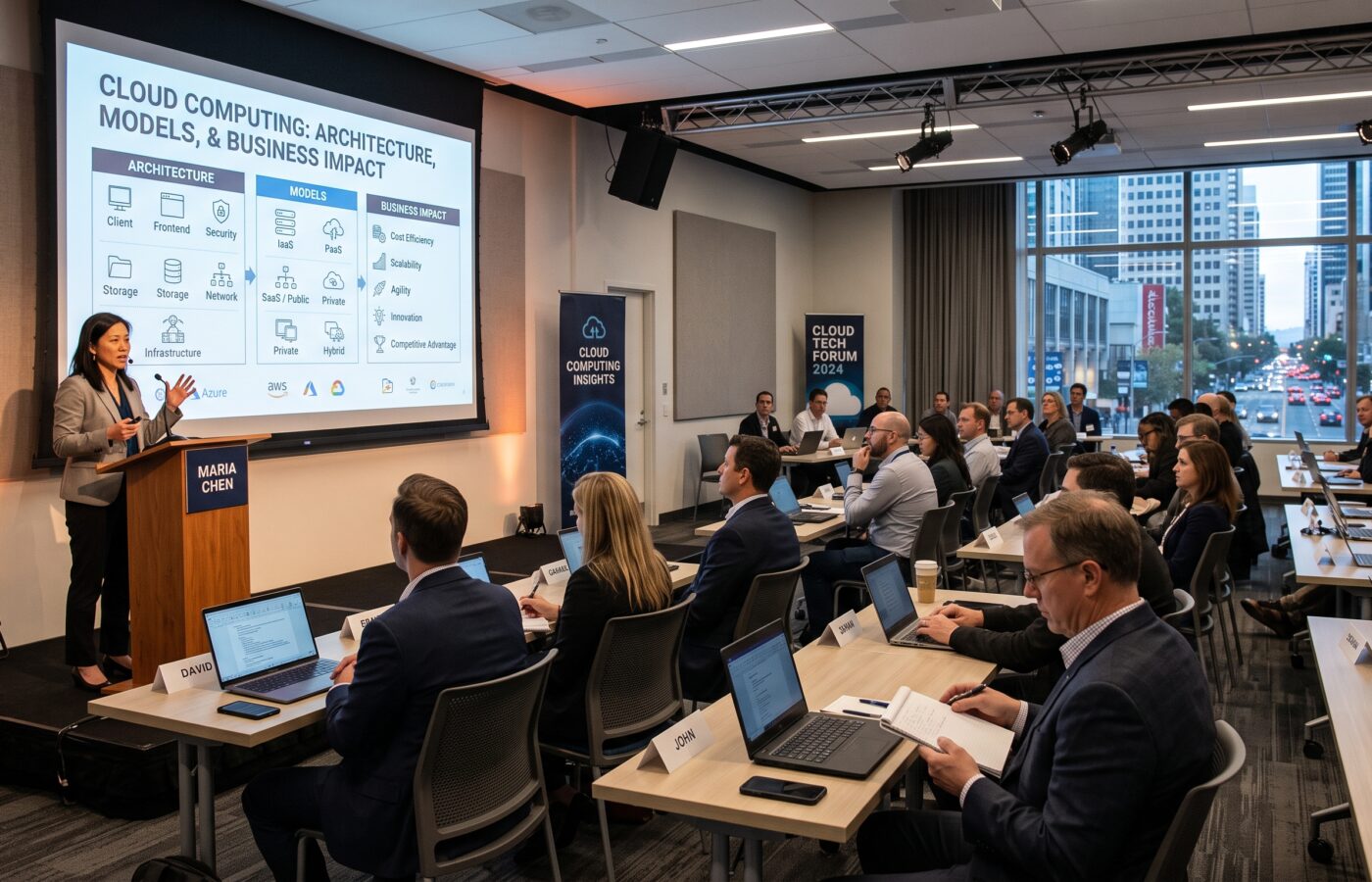
Cloud Computing: Architecture, Models, and Business Impact

Cloud computing has moved from a competitive advantage to the default operating model for modern enterprises. As a cloud architect who has designed and migrated workloads across public, private, and hybrid environments, I see cloud computing not simply as a single technology. Rather, it functions as a layered architecture, a set of service and deployment models, and a business lever that reshapes cost, speed, and risk.
To understand this landscape, this article breaks down the architecture that makes cloud computing possible, explains the service and deployment models you will actually use, and connects those technical choices directly to measurable business impact. Furthermore, it covers the 11 most common challenges organizations face in 2026 and highlights where the industry is heading next.
What Cloud Computing Really Means in 2026
At its core, cloud computing is the on‑demand delivery of computing resources—servers, storage, databases, networking, software, analytics, and intelligence—over the internet with pay‑as‑you‑go pricing. Therefore, instead of buying and maintaining physical data centers, organizations consume these resources from cloud providers and scale them up or down as needs change.
Consequently, adoption is now near‑universal. Around 94% of enterprises use cloud services in some form, while only about 3% report no plans to adopt them. In fact, global cloud spending crossed roughly $900 billion in 2025 and is on track to exceed $1 trillion in 2026, with public cloud workloads making up the majority of new digital initiatives.
Cloud Architecture: The Layers That Make It Work
Cloud architecture is the structured integration of components that deliver scalable, resilient, and secure computing over the internet. To visualize this setup, think of it in two broad layers—the front end and the back end—which are connected by networking and coordinated by management and security controls.
Front End: What Users and Applications Touch
The front end includes everything the user or client application interacts with directly. Specifically, it encompasses:
- User Interfaces: Web browsers, mobile apps, desktop clients, and APIs.
- Client Devices: Laptops, phones, tablets, IoT devices, and edge gateways.
- Application Layer: SaaS tools and custom web apps that run in the cloud but are accessed from the front end.
Although this layer is where requests originate and where results are displayed, it does not hold the core computer or data.
Back End: The Cloud Itself
In contrast, the back end is where the actual computation and storage happen. It comprises:
- Physical Infrastructure: Servers, storage arrays, network switches, routers, and data center facilities operated by providers.
- Virtualization and Containers: Hypervisors, virtual machines, and container runtimes that abstract physical resources into pools allocated on demand.
- Storage: Object storage, block storage, and file storage that scale elastically.
- Databases: Managed relational and NoSQL databases, data warehouses, and data lakehouses.
- Networking: Virtual networks, load balancers, DNS, content delivery networks, and private connectivity options.
- Management Plane: Orchestration, automation, monitoring, logging, and billing systems that control resource allocation and lifecycle.
- Security Controls: Identity and access management (IAM), encryption, network security, and compliance tooling embedded across the stack.
Middleware: The Glue Between Front and Back
Meanwhile, middleware sits between the front end and back end to coordinate requests, manage sessions, and allocate resources efficiently. Specifically, it handles request routing, service discovery, message queuing, and API gateway functions. In modern cloud-native architectures, however, this role is increasingly filled by service meshes, API gateways, and event buses rather than monolithic middleware servers.
Cloud-Based Delivery and Networks
Ultimately, delivery happens over the internet, private networks, or a combination of both. For instance, content delivery networks (CDNs) and edge locations bring compute and caching closer to end users to dramatically reduce latency. Thus, the network layer is just as critical as the compute layer because it directly determines performance, availability, and overall security posture.
Service Models: IaaS, PaaS, SaaS, and Beyond
Cloud computing is commonly categorized into three primary service models, alongside specialized models that have layered on top over time.
Infrastructure as a Service (IaaS)
IaaS provides on‑demand access to fundamental compute, storage, and networking resources. In this model, you manage operating systems, middleware, runtimes, and applications, whereas the provider manages the physical infrastructure and virtualization.
Typical Use Cases:
- Lift‑and‑shift migrations of existing applications.
- Workloads that require complete control over the OS and configuration.
- Batch processing, high‑performance computing, and custom platforms.
Examples include virtual machines, block storage, virtual networks, and load balancers from providers like AWS, Azure, and Google Cloud.
Platform as a Service (PaaS)
Alternatively, PaaS adds a managed runtime and development platform on top of infrastructure. As a result, you can focus entirely on code and data, while the provider manages servers, operating systems, and much of the underlying middleware.
Typical Use Cases:
- Cloud‑native application development using microservices and containers.
- Rapid prototyping and continuous delivery (CI/CD) pipelines.
- Managed databases, application servers, and integration services.
Examples include managed Kubernetes, app platforms like Heroku or Google App Engine, and managed database services.
Software as a Service (SaaS)
In contrast to IaaS and PaaS, SaaS delivers complete applications directly over the internet. Therefore, users access software via web browsers or apps without managing any underlying infrastructure or platforms whatsoever.
Typical Use Cases:
- Productivity suites, CRM, HR, finance, and collaboration tools.
- Industry‑specific applications delivered via subscription models.
Examples include email suites, CRM platforms, and productivity platforms used across enterprises.
Emerging and Specialized Models
Beyond the core three, several specialized models have now become mainstream:
- Serverless / Functions as a Service (FaaS): Event‑driven compute where you pay strictly per execution and avoid managing servers entirely.
- Container as a Service (CaaS): Abstracted container orchestration paired with integrated networking and security.
- AI and ML Platforms: Managed services for model training, inference, and retrieval‑augmented generation (RAG) built directly into cloud infrastructure.
Overall, these models shift significantly more operational responsibility to the provider, thereby enabling faster iteration for event‑driven and AI workloads.
Deployment Models: Public, Private, Hybrid, and Multi‑Cloud
Choosing how you deploy cloud computing is just as critical as selecting which services you use. Accordingly, the four primary deployment models are public, private, hybrid, and multi‑cloud.
| Model | Core Strengths | Best For |
| Public Cloud | Elastic scalability, global reach, fastest innovation, lower upfront CapEx. | Variable workloads, cloud-native apps, and teams minimizing overhead. |
| Private Cloud | Enhanced control over security/compliance, predictable performance, strict data residency. | Highly regulated industries, sensitive workloads, and large steady baseloads. |
| Hybrid Cloud | Keeps sensitive data local while bursting to public cloud; offers gradual migration. | Enterprises transitioning off legacy systems and workloads with mixed needs. |
| Multi-Cloud | Reduced vendor lock-in, outage resilience, best-of-breed service selection. | Large enterprises seeking flexibility and avoiding single-vendor dependency. |
Business Impact: Why Cloud Computing Matters to the Board
Cloud computing is no longer just an IT topic; rather, it is a strategic lever that directly impacts cost, revenue, risk, and organizational speed.
Cost Structure and ROI
By design, cloud shifts spending from capital expenditure (CapEx) to operating expenditure (OpEx), thereby aligning costs directly with actual usage. Consequently, organizations can scale resources dynamically, avoiding over‑provisioning and eliminating idle capacity.
However, uncontrolled cloud spending remains a real risk. For example, many enterprises waste a significant portion of their cloud budgets due to poor visibility, over-provisioning, and lack of governance. As a result, FinOps practices—cloud financial management disciplines—have become essential to realizing true ROI.
Agility and Innovation
Furthermore, cloud platforms provide instant access to advanced services such as AI, analytics, and serverless computers. Because of this access, engineering teams can prototype, test, and deploy new capabilities in days rather than months. In turn, this accelerates digital transformation and allows organizations to experiment with emerging tech rapidly.
Resilience and Risk Management
In addition, cloud providers operate globally distributed infrastructure with built‑in redundancy, disaster recovery, and automated security controls. Thus, adopting the cloud significantly improves uptime and strengthens disaster recovery postures.
Nevertheless, risk does not disappear entirely. Indeed, misconfigurations, identity errors, and misunderstandings surrounding the shared responsibility model can create new vulnerabilities if not actively managed.
Talent and Operating Model
Finally, cloud computing fundamentally changes how internal teams operate. Specifically, disciplines like DevOps, platform engineering, and site reliability engineering (SRE) become central to operations. While this transformation fosters better collaboration between development and operations, it also frequently exposes critical skills gaps that require ongoing upskilling.
The 11 Challenges You Will Face with Cloud Computing
Despite its clear benefits, cloud computing introduces real operational challenges. Based on current enterprise trends, the following 11 issues are the most prominent:
- Cost Management & Budget Overruns: Without strong governance, bills compound rapidly; hence, FinOps is vital.
- Security & Misconfiguration Risk: Shared responsibility means misconfigured identity or network rules can lead to breaches.
- Compliance & Data Residency: Complex international regulations make data location tracking mandatory.
- Skills Gap & Talent Shortage: Demand for cloud architects and platform engineers continuously outstrips market supply.
- Vendor Lock-in Concerns: Deep integration with proprietary services makes migrating off a single vendor difficult.
- Integration with Legacy Systems: Combining modern cloud services with legacy on-premises code causes latency and technical debt.
- Observability & Operational Complexity: Distributed microservices require complex distributed tracing and logging tools to maintain reliability.
- Cloud Governance & Policy Enforcement: Managing policies across hundreds of accounts becomes impossible without automated policy-as-code.
- Performance & Latency for Global Users: Centralized data regions may lag; therefore, edge and CDN strategies are necessary.
- Sustainability & Energy Efficiency: Energy usage and carbon footprints are increasingly driving enterprise procurement choices.
- AI Workload Cost & Complexity: Running generative AI and inference models at scale can dominate cloud bills without specialized architectures.
Where Cloud Computing Is Heading Next
Cloud computing continues to evolve rapidly. Moving forward, several core trends are shaping the next wave:
- AI-Native Cloud: Platforms are embedding AI directly into their core services, thus automating system tuning, operational monitoring, and retrieval-augmented generation.
- Edge and Cloud-Edge Continuum: Compute is shifting closer to the user. Consequently, a massive portion of AI inference will occur on localized edge devices rather than central data centers.
- Serverless Expansion: Event-driven architecture is becoming the default choice for new applications due to its efficiency and low operational overhead.
- Platform Engineering: Multi-cloud complexity is driving internal teams to build unified developer platforms, thereby reducing cognitive burden on software engineers.
- Green Cloud Initiatives: Renewable energy optimization and carbon-aware job scheduling are transitioning from nice-to-have features into absolute operational mandates.
Frequently Asked Questions
What is cloud computing in simple terms?
Cloud computing is the delivery of computing resources—like servers, storage, databases, and software—over the internet on a pay‑as‑you‑go basis. Instead of owning hardware, you rent capacity from cloud providers and scale it as needed.
What are the main service models?
The main service models are Infrastructure as a Service (IaaS), Platform as a Service (PaaS), and Software as a Service (SaaS). Specifically, IaaS gives you raw infrastructure, PaaS adds managed runtimes and development tools, and SaaS delivers complete applications ready for end-user consumption.
How does cloud computing reduce costs?
Cloud computing reduces costs by shifting spending from capital expenditure (CapEx) to operating expenditure (OpEx), thereby enabling pay‑per‑use pricing and dynamic resource scaling. However, actual cost savings depend on effective governance, rightsizing, and FinOps practices to eliminate waste.
Is cloud computing secure?
Yes, cloud computing can be highly secure when configured correctly with robust identity controls, encryption, and network monitoring. However, security operates under a shared responsibility model: providers secure the underlying infrastructure, while customers must secure their own data, applications, and configurations.
References
- Eurostat: 53% of EU enterprises used paid cloud computing services in 2025
- SoftJourn: 100+ Cloud Computing Statistics for 2026
- Revaa Publications: Cloud Computing: Architecture, Models, Benefits, and Challenges
- Second Talent: Top Cloud Development Statistics 2026
- Prioxis: Cloud Computing Statistics & Trends 2026