
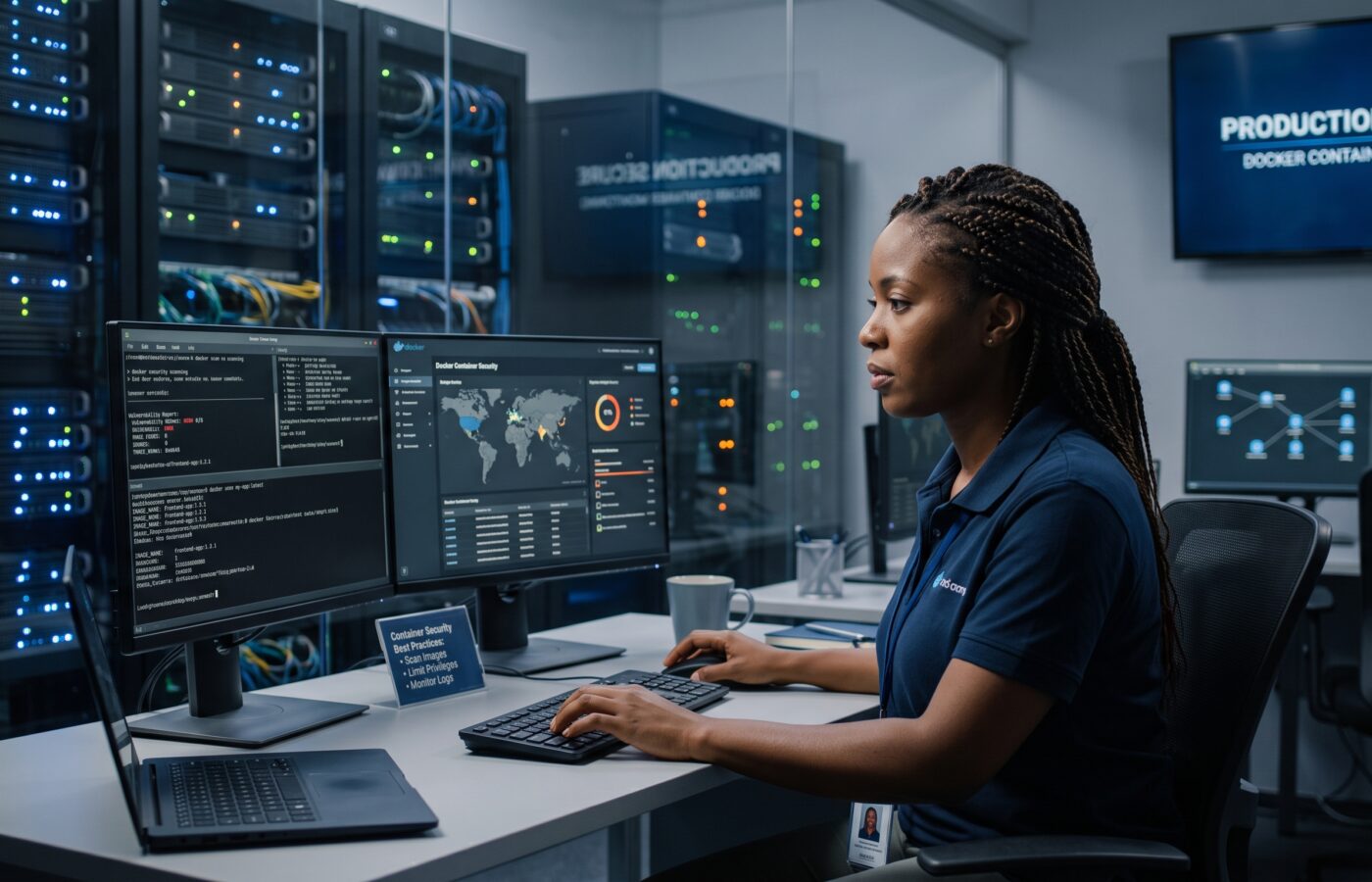
Securing Docker Containers: Best Practices for Production Environments

I’ve spent the better part of a decade helping engineering teams move workloads into containers. Still, there’s one pattern I keep running into: teams get Docker running in production long before they’ve thought seriously about locking it down. First the container starts. Then the app works, and everyone moves on. Later, though, there’s an incident review. Someone then asks why a compromised container had access to the host’s Docker socket in the first place.
Docker itself isn’t insecure. Still, the defaults just favor speed during development, not security in a hostile production environment. Closing that gap is a deliberate, ongoing exercise, not a checkbox you tick once at launch and forget about. It also isn’t a job that belongs to one person on the team. Instead, the best security postures I’ve seen share one trait: developers, platform engineers, and whoever owns compliance all work from the same short list of expectations. In other words, nobody bolts security on after the fact, handled by a team the rest of the org never talks to until something breaks.
Over the years I’ve distilled what actually moves the needle down to 11 practices. None of them are exotic, and none require a specialized security background to implement. Even so, teams skip all of them somewhere, on nearly every project I’ve audited. Usually, though, that’s not carelessness — nobody owned the decision to prioritize security over the next feature deadline.
1. Start With a Minimal, Verified Base Image
Every package you add to an image is something an attacker can potentially exploit later. For instance, full operating system images bundle in shells, compilers, package managers, and other utilities. Your application will never touch most of them — but a compromised process will happily use them if it gets the chance. So switch to a slim or distroless base image from a maintainer you trust. That one change alone cuts your attack surface dramatically, before you’ve even written a line of application code. In fact, I’ve watched teams shrink an image from over a gigabyte down to under a hundred megabytes just by trimming the base layer. The smaller image, too, deploys faster and scans faster.
2. Never Run the Container as Root
This one still surprises people. By default, a process inside a container runs as root unless you explicitly tell it otherwise. So if attackers ever breach that container, they land just one misconfiguration away from root on the host. Setting a dedicated, unprivileged user for your application process, though, takes very little effort during the build. In fact, it’s one of the highest-value, lowest-effort changes a team can make. So treat it as non-negotiable in any production build pipeline.
3. Scan Every Image Before It Ships
Vulnerabilities in base images and third-party libraries don’t announce themselves. That’s why a scanning step in your build pipeline checks every layer against a current vulnerability database. It catches known issues before they reach a cluster. In practice, the teams I work with treat a failed scan like a failed unit test: it blocks the merge. That discipline matters more than which specific vendor’s scanner you pick. What actually kills projects isn’t the absence of a tool, though. Instead, it’s scanning once at launch and never again, while new vulnerabilities keep surfacing against images already sitting in production.
4. Keep Secrets Out of Images and Environment Variables Entirely
I still see teams bake API keys and database passwords directly into image layers, or pass them through as plain environment variables. Both are mistakes. An image layer, after all, is effectively permanent history. Even if you delete a secret in a later layer, someone can usually still recover it from the image’s build history. Environment variables are only marginally safer, either. Anything with shell access to the container, or access to process inspection tools, can typically read them. Instead, secrets belong in a dedicated secrets manager or your orchestrator’s native secrets mechanism. Inject them at runtime, and never let them touch disk inside the image itself.
5. Sign Your Images and Track Their Provenance
Once an image leaves your build pipeline, how do you actually know nobody tampered with it before it reaches production? Image signing answers that question directly. So combine it with a software bill of materials for each build. Together they give you a verifiable chain from source code to running container. That chain matters enormously the day you need to know whether a newly disclosed vulnerability affects a specific component, instead of guessing. It also gives you something concrete to hand an auditor, instead of a shrug. That matters more than most teams expect, until a customer’s security questionnaire asks for exactly this kind of evidence.
6. Drop Every Linux Capability You Don’t Need
Containers inherit a fairly generous set of Linux kernel capabilities by default, far more than most applications actually require. For example, a web server doesn’t need the ability to change file ownership system-wide or load kernel modules. So drop all capabilities, then add back only the handful your application genuinely uses. That shrinks what an attacker can do, even after they’ve gained code execution inside the container. It’s a small change with a real payoff, and it rarely breaks anything, as long as you test it properly first.
7. Make the Filesystem Read-Only Wherever Possible
Most application containers don’t need to write to their own filesystem at runtime. Instead, they read configuration, serve requests, and send logs somewhere external. So mount the container’s root filesystem as read-only, with explicit writable volumes only where genuinely needed. That stops a whole category of attacks that rely on dropping a malicious binary, or modifying application code in place, after the fact. When I introduce this to a team for the first time, it usually surfaces something: one or two spots where the application was quietly writing undocumented temp files. In short, that’s its own kind of useful discovery.
8. Restrict Access to the Docker Daemon and Socket
The Docker socket is effectively root access to the host. Yet monitoring and CI tools ask to mount it into a container constantly. Treat that request, then, as a significant trust decision, not a convenience. If a workload doesn’t strictly need that access, don’t grant it. And if you do expose the daemon’s remote API at all, put it behind mutual TLS authentication. Never leave it open on the network unauthenticated. In fact, I’ve personally seen this one misconfiguration lead directly to full host compromise, more than once.
9. Apply Resource Limits to Every Container
A single container without memory or CPU limits can starve everything else running on the same host. Worse, a compromised container without limits becomes a far more effective platform for cryptomining or denial-of-service activity too. So setting sensible CPU and memory ceilings on every container isn’t just a stability practice, it’s a containment practice. It puts a hard ceiling on how much damage one bad actor — or one bad deploy — can do to its neighbors. For example, I’ve traced more than one middle-of-the-night outage back to a single unconstrained container. It was quietly consuming every spare cycle on a shared host. No compromise happened at all — just an uncaught memory leak.
10. Segment Your Container Network
Not every container needs to talk to every other container. Default bridge networking in Docker, though, is permissive by design, and in production that permissiveness tends to work against you. So group containers into purpose-specific networks. Then explicitly restrict which services can reach your database tier or internal APIs. That way, you limit how far an attacker can move laterally after compromising a single, less-sensitive container — a public-facing web frontend, say.
11. Patch the Engine and Host, and Watch What’s Actually Running
Image hardening only protects the box you shipped. It does nothing, though, for vulnerabilities that show up later in Docker Engine itself, or in the underlying host kernel. So keep the engine and host operating system on a regular patch cadence to close that gap. Then pair it with runtime monitoring that flags unexpected process activity, unusual outbound connections, or privilege escalation attempts inside running containers. After all, prevention eventually fails somewhere, and detection is what catches it when that happens.
Where Teams Actually Fall Short
None of these 11 practices are individually difficult. What’s hard, instead, is applying all of them consistently. That means on every image, on every deploy, for the lifetime of a system that will outlive the engineer who built it. In my experience, the environments that hold up under audit share one thing: they automated these checks into the build pipeline itself, instead of relying on someone to remember them by hand each time. As a result, security that depends on a person’s memory doesn’t survive a team reorganization. Nor does it survive a deadline crunch, or a new hire who wasn’t in the room when the team made the original decisions.
If you’re starting from scratch, don’t try to implement all 11 at once. Instead, get the base image, the non-root user, and image scanning in place first. Those three alone eliminate a large share of the risk I actually see in real production environments. Then work outward toward secrets management, network segmentation, and runtime monitoring as your pipeline matures. In short, security is a direction, not a destination, and running Docker in production is no exception to that rule.
Making These Practices Stick
The teams that struggle most aren’t the ones lacking knowledge about container security. Instead, they’re the ones treating it as a one-time setup task rather than a standing part of the release process. A base image chosen carefully six months ago, for instance, can quietly drift out of date. Picture a well-meaning engineer troubleshooting a permissions error at two in the morning: they can silently re-add a capability the team dropped during the initial build. Afterward, nobody circles back to remove it once they’ve solved the immediate problem.
In practice, wiring these checks directly into your build and deployment pipeline makes the real difference. It’s what separates a policy on paper from a practice that actually holds. For one, a failed vulnerability scan should block the build, the same way a failed test suite would. Likewise, your pipeline should flag a misconfigured Dockerfile automatically, instead of catching it in a manual review that may or may not happen. And a system, not a shared document somebody forgot to lock down, should provision access to production secrets. None of that requires exotic tooling. It simply requires deciding, as a team, that these 11 practices are requirements, not suggestions, and then building the guardrails that make skipping them harder than following them.
Frequently Asked Questions
Is Docker secure enough for production workloads right out of the box?
Not really. Docker’s defaults favor a fast developer experience over a locked-down production posture. For instance, containers run as root unless you configure otherwise, and Docker doesn’t trim unnecessary kernel capabilities automatically. Docker’s own documentation covers the configuration changes needed to close that gap: https://docs.docker.com/build/building/best-practices/
What’s the single highest-impact change a team can make for container security?
Running containers as a non-root user tends to deliver the best return for the least effort. After that, using a minimal base image and scanning it regularly comes next. The OWASP Docker Security Cheat Sheet walks through both of these in detail: https://cheatsheetseries.owasp.org/cheatsheets/Docker_Security_Cheat_Sheet.html
How often should you rescan container images for vulnerabilities?
Scan on every build, at minimum. Also run a recurring scan of images already deployed, since new vulnerabilities keep surfacing in packages that once looked clean. Snyk’s guidance on scanning cadence is a useful reference point: https://snyk.io/blog/10-docker-image-security-best-practices/
Should you ever mount the Docker socket into a container?
Only when there’s genuinely no alternative. Even then, understand that doing so effectively grants root on the host. Sysdig’s container security guidance covers safer patterns for the tooling that typically asks for this kind of access: https://www.sysdig.com/learn-cloud-native/container-security-best-practices
Which compliance frameworks are most relevant to Docker security in regulated environments?
Teams reference NIST SP 800-190 and the CIS Docker Benchmark more than any other framework. In turn, most container security tooling maps its checks directly against them. NIST’s guide is available here: https://www.nist.gov/publications/application-container-security-guide, and the CIS benchmark here: https://www.cisecurity.org/benchmark/docker
References
-
Is Docker secure enough for production workloads right out of the box?
Not really. Docker’s defaults favor a fast developer experience over a locked-down production posture. For instance, containers run as root unless you configure otherwise. You can review the configuration changes needed to close that gap in the official Docker Build Documentation.
-
What’s the single highest-impact change a team can make for container security?
Running containers as a non-root user tends to deliver the best return for the least effort. After that, using a minimal base image and scanning it regularly comes next. Step-by-step guidance for both is available on the OWASP Project Site.
-
How often should you rescan container images for vulnerabilities?
Scan on every build, at minimum. Also run a recurring scan of images already deployed, since new vulnerabilities keep surfacing in packages that once looked clean. Recommended scanning cadences are outlined in this Snyk Security Article.
-
Should you ever mount the Docker socket into a container?
Only when there’s genuinely no alternative. Even then, understand that doing so effectively grants root on the host. Alternative patterns for tooling requiring this level of access are detailed by Sysdig’s Technical Team.
-
Which compliance frameworks are most relevant to Docker security in regulated environments?
Teams reference NIST SP 800-190 and the CIS Docker Benchmark more than any other framework. Review the full standards via the NIST SP 800-190 Publication and the Center for Internet Security.